Use space or enter to play/pause, tab to navigation buttons
Mugs that mean more.
Make every sip a little more special. Add your business logo for clients or customize with photos or text for gifts family and friends will love.
Coffee with your best friend.
Keep your beloved pet close all day long with photo mugs that showcase their cutest moments.
A mug full of joy.
Share the news in style — photo mugs make baby announcements both practical and heartwarming.
Grandparents’ new favorite mug.
Gift them a photo collage mug filled with family memories — practical, personal and straight from the heart.
Why choose Staples

Frequently asked questions
Still need help? Call: 1-888-333-3199 or go to Help Center
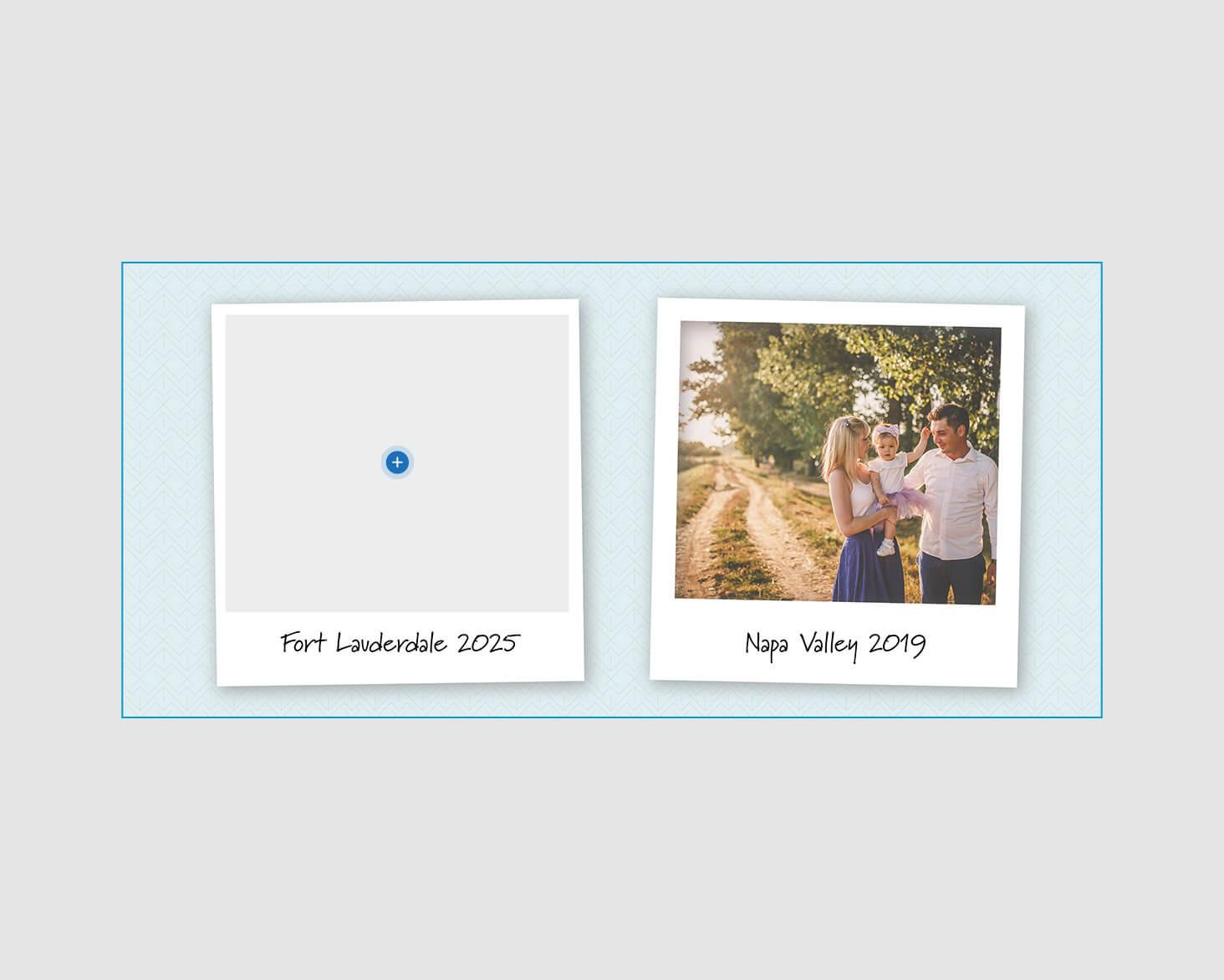
Follow these steps to ensure the perfect print:

Bleed
To avoid an unwanted white border, drag all background content to the edges of your template.

Safe Area
To prevent content from being cut off during the printing process, keep all key text and logos inside this zone.

File Format
When designing your photo mug, you may upload files in the form of a JPG, PNG or PDF. We recommend setting your document’s resolution to a minimum of 300 DPI and color mode of CMYK.
Yes! Our 15oz white photo mugs are available for same-day pickup in stores in quantities of 1–5 . Larger quantities are available for delivery only. All 11oz mugs and black photo mugs are offered for delivery only.
The design file for our 11oz mug should be 8.5 inches wide by 3.625 inches high to ensure proper printing. This allows for a 0.125” bleed area on all sides to ensure the background color or image will show to the edge when printed. Final image size on the mug will be 8.25" x 3.375".
The design file for our 15oz mug should be 8 inches wide by 4 inches high to ensure proper printing. This allows for a 0.125” bleed area on all sides to ensure the background color or image will show to the edge when printed. Final image size on the mug will be 7.75" x 3.75".
Yes! Our ceramic photo mugs are dishwasher safe for up to 3,500 cycles and are also microwave safe, making them durable and convenient for everyday use.
We offer flexible order options starting at just 1 mug and up to 100 mugs. Need more? Contact our sales team or check out our Promotional Products assortment online.